

















Real-world fixes from frustrated drivers — what to do when your Android car voice assistant suddenly goes silent.

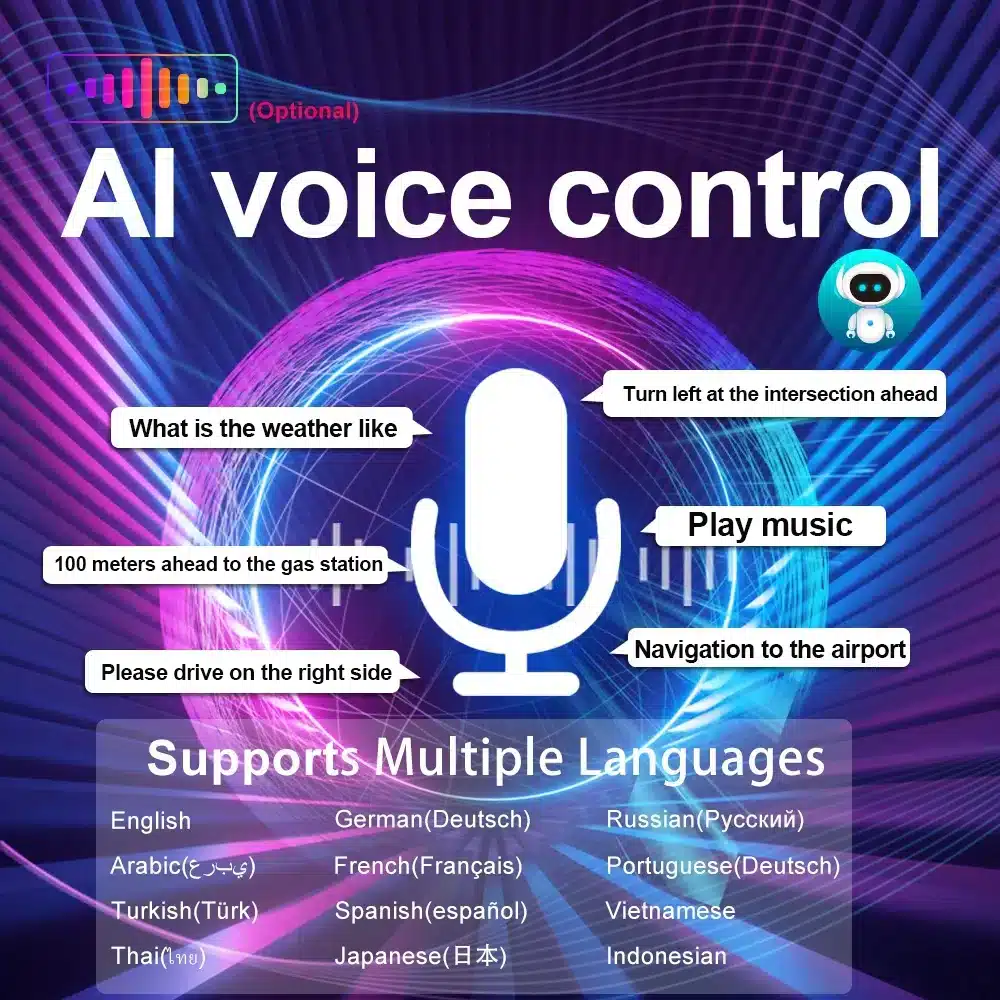
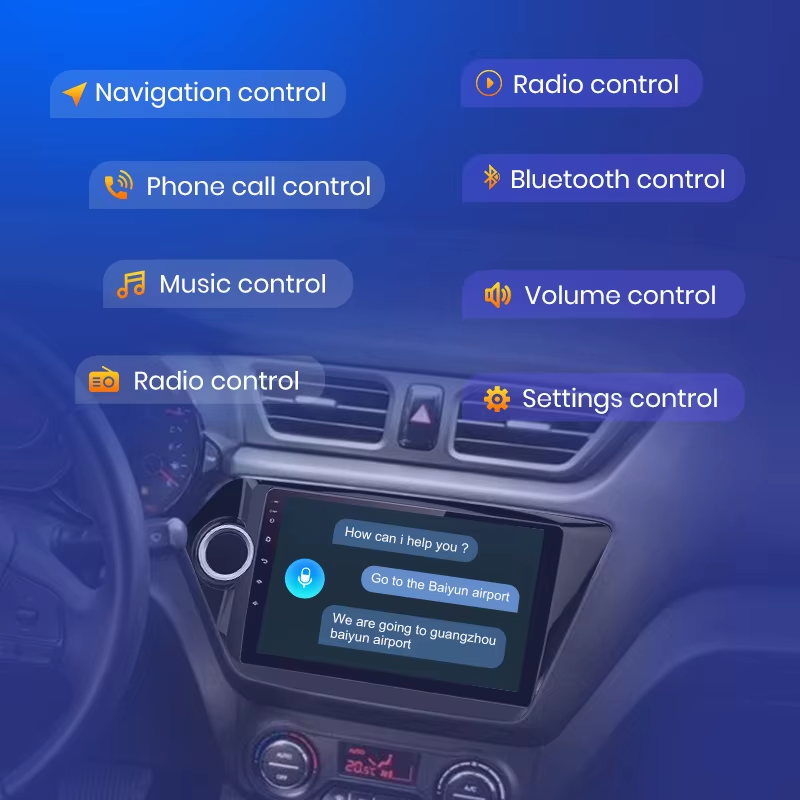
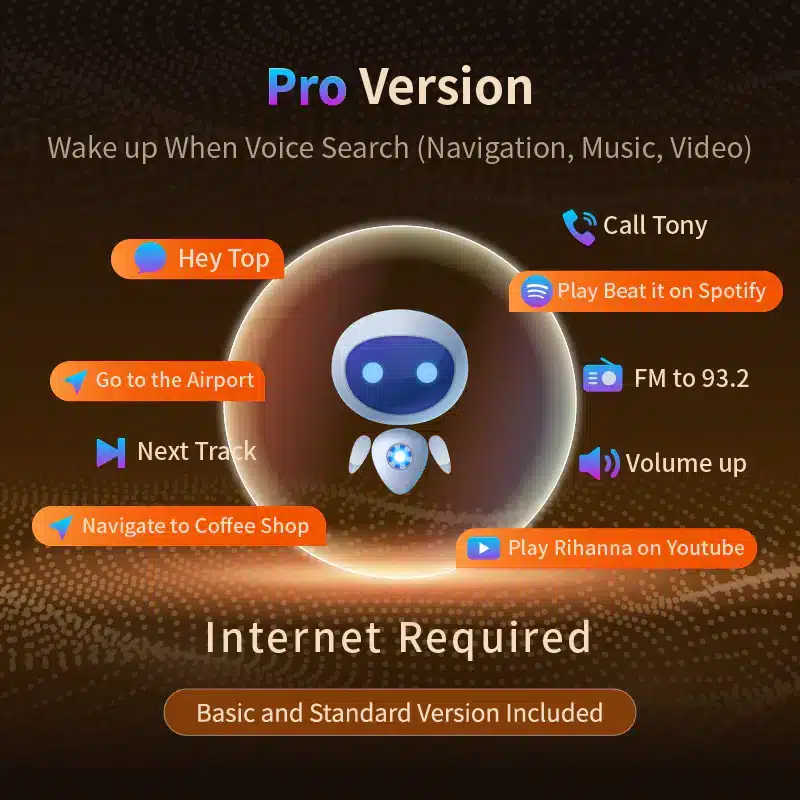 🎁 Upgrade to Pro Today – Only $35!
Save an additional $8 with our exclusive coupon.
Enjoy advanced voice commands, YouTube control, and priority support.
👉 Activate your Pro version instantly
🎁 Upgrade to Pro Today – Only $35!
Save an additional $8 with our exclusive coupon.
Enjoy advanced voice commands, YouTube control, and priority support.
👉 Activate your Pro version instantly
"Play music!"... Nothing happens? Here's why.
😩 The Problem: Silence in the Car
“Hey Toppal, navigate home.” Silence. No beep. No response. If this feels familiar, you’re not alone. Thousands of drivers experience sudden Toppal Voice failures — especially after firmware updates, factory resets, or prolonged system sleep.🕵️ The Real Reasons Behind It
What causes the silence? Often it’s not a bug — it’s a system-level conflict. Common triggers include:- Microphone permission revoked after an update
- No active internet connection
- Wrong activation code (Basic vs Pro)
- RAM-strapped devices force-stopping background services
✅ The 3-Minute Fix
Step 1: Check Your Network
Make sure your Android head unit is connected to Wi-Fi or a hotspot. No connection = no voice response.Step 2: Open Permissions
Gehen Sie zu Settings > Apps > Toppal > Permissions and enable Microphone. Many systems disable it silently during resets.Step 3: Re-enter Activation Code
Launch Toppal > Voice Settings > Activation. Re-enter your activation key. Pro users must enter the correct Pro-tier code.Step 4: Reboot
Restart your Android unit after applying changes to reset background services.📸 Helpful Screenshots
Re-entering the activation code
Enable microphone access
🚀 Bonus: What You Get with Toppal Pro
If you’ve activated Toppal but still can't use YouTube control or smart shortcuts — you're likely using the Basic version.- ✅ Voice control for YouTube, navigation, music
- ✅ Custom trigger words ("OK Toppal")
- ✅ Faster command processing
Unlock advanced voice commands and shortcut access with Toppal Pro
🔧 Still Not Working? Try This.
Uninstall and reinstall Toppal. Clear app cache. Update your firmware (Android 10 or later recommended). If you're using an obscure ROM or hardware, Toppal may not be fully supported.🧩 Supported Devices
Official support includes Topway, FYT, NWD, TS10, TS18, 8227L, and 8581 head units. Generic chipsets or old Android 6 systems may experience instability.🧠 FAQ – Read Before You Panic
- Q: Does Toppal work offline?
- No. It needs internet to send voice queries to the cloud for processing.
- Q: How do I know if I'm on Basic or Pro?
- Pro supports YouTube control. If voice says "Function not available," you’re on Basic.
- Q: My code doesn’t work. Why?
- Check if you entered a Pro code into the Basic version, or if the code has expired/been reused.
